AI Readiness
Is your business ready for AI?
Most Australian businesses are being sold AI before anyone has asked what it would actually run on. The honest answer is that readiness is not a yes or a no. It is a question you can only answer one workflow at a time, and the answer usually turns out to be yes for something smaller and more boring than the thing you were pitched.
This section is about what AI can genuinely do inside a business that runs on Odoo, what has to be true before it works, and where it pays for itself first. No demos of things that only work on tidy sample data.
What AI can actually do
Strip away the marketing and every useful AI action inside a business is one of five things. If a task is not one of these five, AI is not the tool for it, and anyone telling you otherwise is selling.
Notice what is not on that list. Nothing here decides anything on its own. A person still approves, and on anything that touches the ledger a person always will. That is a design rule, not a limitation we are apologising for.
Watch · 0:46
 0:46
0:46Read the transcript
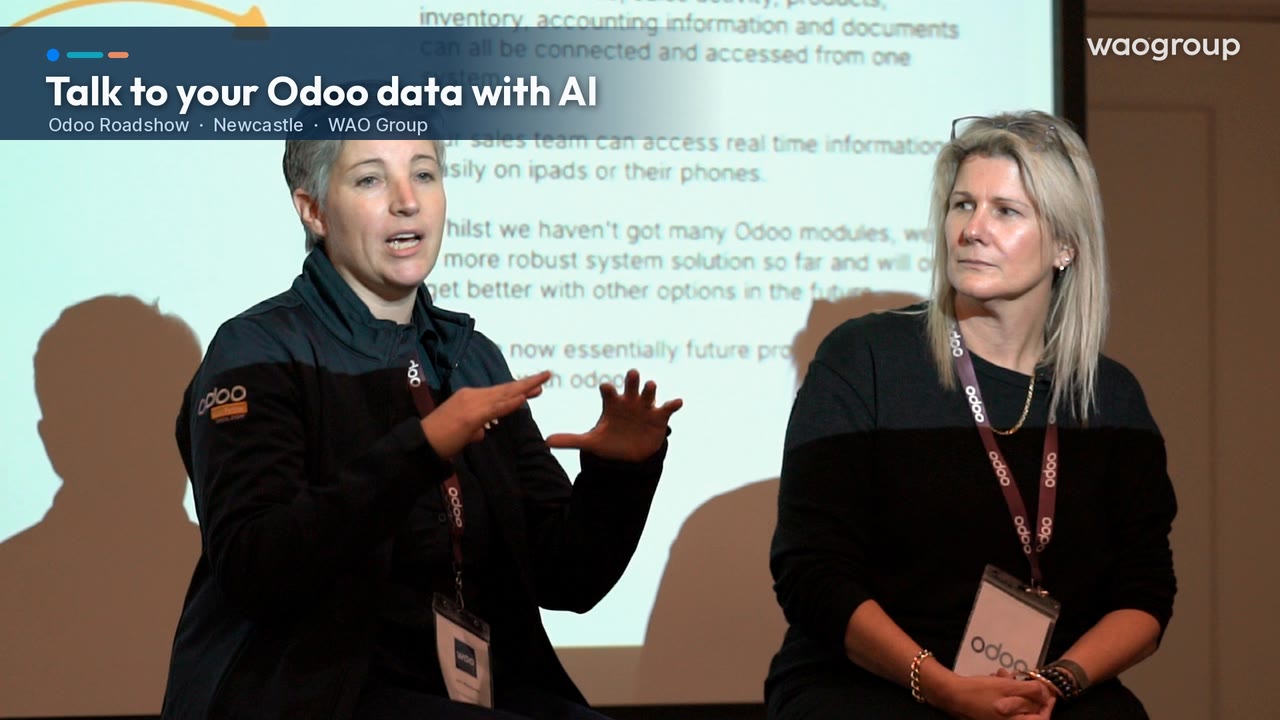
In the past, we had to build dashboards on top of Odoo to be able to get multiple module information into one place. Now with AI, you have a thing called an MCP server that you can connect up. Let’s think of your Odoo file on a server. It’s called an MCP server, that you can make available to your AI, be it Claude or ChatGPT. And you can then talk to Claude, type into Claude, “Please create a dashboard.” You could be asking questions, or you could say, “Please create a dashboard about this,” and it can pull on all of that information. We’ve been testing it in our team. It’s because all the information is in one place, you can then go and easily create those things.
The three things that have to be true
Readiness gets talked about as a single gate you either pass or fail. It is not. There are three separate conditions, and only the first is genuinely all-or-nothing.
1. There has to be a system
One place where the transactions of the business actually live. If your stock sits in one system, your margins in a spreadsheet and your job costing in somebody's head, there is nothing for an AI to read and it will confidently invent the rest. This one really is a gate.
2. There has to be a task worth automating
Volume, times minutes, times what an hour costs you. A job done four times a month is not the place to start, however irritating it is. The first build should be high-volume and dull enough that nobody will miss doing it.
3. The data has to be good enough for that task
Not perfect, and not across the whole business — good enough for the specific workflow. Drafting quotes needs a current price list; it does not need ten years of tidy history. We scope the data each workflow depends on before anything is built, and where it is not there yet, that is a finding to work with rather than a reason to stop.
Still choosing a system? Start there instead — that is a different conversation, and a longer one. The rest of this page assumes you already have Odoo running.
Where it pays first
Almost every part of a business has some high-volume, repetitive, dollar-quantifiable work in it. We have organised that work into eleven streams, and we build in one of them at a time, starting with whichever one is costing you most. The first three have their own pages because they are where most businesses start.
AI for Accounting
The most defensible stream, because almost all of the saving is time and rework you can put a number on before we start.
- Vendor bill capture, coding and approval
- Bank reconciliation suggestions
- Debtor chasing and collections
AI for Sales & CRM
The largest upside, and the one where you have to be most careful about what you count. Time saved is certain; deals won are an argument.
- Quotes drafted from enquiry emails
- Lead enrichment and scoring
- Quote follow-up and pipeline nudges
AI for Customer Service
Solid time savings plus the retention argument. The same twenty questions, answered over and over, is the classic case.
- Ticket triage and routing
- Response drafting from your knowledge base
- Escalation summaries and handover
The other eight streams. Same five verbs, same three conditions, same approval-first design — scoped the same way, one workflow at a time.
- Inventory & Purchasing
- Manufacturing
- Projects & Field Service
- E-commerce & Retail
- HR & Internal Ops
- Marketing
- Cash Flow & Executive
- Knowledge
We start with one. Doing several streams at once sounds efficient and is the most reliable way to finish none of them. One stream, one workflow first, measured before and after, then the next.
How a build actually runs
Three phases, in order, on one framework we call AIO: Assess what is worth doing, Investigate whether it is real, Operationalise how to build it safely. Each phase hands you something you can hold, and you can stop after any of them. Nobody is asked to buy a build on day one.
1. AI & Odoo Assessment — Assess and Investigate
One stream, $2,500 + GST. We map the workflows as they are really done, not as the process document says, and put a number on each problem — hours, times what an hour costs you, plus the error rate — and we never claim the whole of it back. You get three things: where AI saves or makes money in this stream, in dollars you can argue with; whether the data is ready for the workflows that number depends on; and who may trigger what, and what happens when it is wrong. If we cannot name a champion — one person inside your business who owns the result — we say so here rather than build something nobody has asked for. Half the value of this phase is being told what not to do yet.
2. Design & Build — Operationalise
Up to three workflows from the Assessment, designed and built in your own Odoo staging environment. Inputs, actions, outcomes, approvals: what the AI can see, which of the five verbs it performs, what comes out, and exactly where a person confirms. The approval step is designed first, not bolted on afterwards. We check what Odoo already does natively before building anything custom — native is cheaper, safer and survives upgrades. Then it is tested on your real historical data with the people who will use it, against the same numbers the Assessment quantified. A fixed price within the scope the Assessment defines, quoted only after it — never before.
3. Go-Live & Optimisation
Train the people who will use it, hand over the run guide, go live, then tune it on real work until it is genuinely good, not demo-good. Done is not "it runs" — done is that your team has stopped double-checking it. Billed on time and materials, like the rest of our implementation work.
Alongside the build: a monthly monitoring report. Drawn from your own Odoo: how much the AI assistants are being used, what was approved and what was rejected, and how far the team has come to trust the result. That is the "after" number, measured against the "before" number from the Assessment. Quoted with the build.
What protects you
The uncomfortable questions about AI in a business are not technical ones. They are about control. Here is where we stand on each, plainly, so you can hold us to it.
Does our data train the AI?
No. Your data is used to do your work and nothing else. That is a commercial term in the agreement, not a promise in a sales meeting, and every build documents exactly what data goes where.
Who holds the data?
You do. It stays in your Odoo. Nothing about an AI workflow moves your records into somebody else's product, and nothing creates a system you have to keep paying to read your own information out of.
What if the AI vendor disappears?
This is the one almost nobody asks and everybody should. AI vendors get acquired, change terms and shut down. So every build's logic, prompts and configuration are documented and stored with you. If a vendor vanishes tomorrow, you still have the recipe, you still have your data, and the workflow can be rebuilt on something else. Nothing we build lives inside a black box we cannot open.
What access do you need to our system?
The least that will do the job. Some work needs no system access at all — the Assessment, design, prompt libraries and training. Most needs ordinary user-level access, the same as any staff member. Full backend credentials are for genuinely complex builds only, always with your written authorisation, and we say so up front rather than asking for everything by default.
What if it gets something wrong?
It will, occasionally. That is why every workflow has an approval step and why we design it before we design anything else. AI drafts; a person confirms. On anything touching your ledger, that never changes, no matter how well it is performing.
What it costs
The AI & Odoo Assessment is $2,500 + GST for one stream, and it is the only AI price we publish. We bill implementation work by time because the scope of an ERP project genuinely cannot be known up front. The exceptions are the pieces of work we can scope completely before we start — the Odoo Blueprint, our Health Checks, the diagnostic and the Assessment — and those carry a stated price.
Design & Build is a fixed price within a scope the Assessment defines. We work out what each workflow is worth with you, in the open, during the Assessment: volume, times minutes, times your loaded hourly rate. You will see the arithmetic and you are welcome to argue with it. The build price comes after the Assessment, never before, because until then neither of us knows what is worth building. Go-live and optimisation are billed on time, and the monthly monitoring report is quoted with the build.
The test we hold ourselves to
The build should pay for itself on hard savings alone — direct time and rework removed — well inside a year. Anything softer (faster decisions, higher conversion, customers kept) is upside we will show you but will not ask you to pay for. If a workflow only works once you count the soft benefits, it is not ready to sell.
The saving recurs every year. The build fee happens once. That ratio is the whole argument, and it is why we would rather quote a real number than a small one. The first step is a free 30-minute AI Workflow Review: it picks the stream, and books the Assessment if there is a case for one.
Book a call and we will pick the stream with you.
Common questions
Do we need to be on Odoo?
For this work, yes. Everything here is built into Odoo and hooks into what is already running. If you are not on an ERP yet, start with the system decision — that is the prerequisite, and it is worth doing properly.
How long does one workflow take to build?
Weeks, not months, once the scope is agreed. The long pole is almost never the build. It is deciding how the business should work, and then the trust tail afterwards, where people gradually stop checking every result.
Will this replace people?
The work we target is the work nobody wants: keying invoices, retyping enquiries into quotes, reading a whole ticket thread to catch up. Removing it gives you back capacity you are already paying for. We have yet to meet a finance or service team with nothing better to do.
Can we start small?
You should. One workflow, measured before and after. If the number is not there, you have learned something cheaply. If it is, the second one is an easy decision.
What if our data is a mess?
Then we find that out during scoping rather than three weeks into a build. Sometimes the answer is to clean it first; sometimes it is to pick a different workflow that does not depend on the messy part. Either way it is a finding, not a verdict. When it is the books that need cleaning, our accounting practice WAO Business does that inside Odoo.
Is Odoo's own AI enough?
Sometimes, and we check that first every time. Native features are cheaper, safer and survive upgrades. We would rather tell you the platform already does it than build you something you did not need.
Start with one workflow
A short call to work out which part of your business is losing the most hours to repetitive work, and whether AI is genuinely the right tool for it. If it is not, we will say so.